
Noob Win Common Problems and Easy Solutions Guide
Noob Win is one of the best betting platforms for Pakistani players in 2026. The app runs well, and payment methods are fast. But like every platform, small problems show up sometimes. Maybe the app is not loading or your deposit got stuck. Maybe you cannot log in. These things happen, and they are not a big deal. The good news is most of these problems have very simple fixes. You do not need any technical knowledge to solve them. This guide covers Noob Win common problems that players face. Each one comes with a clear and simple solution so you can get back to playing as fast as possible.
Why These Fixes Save Time
When something goes wrong, most players panic. They believe that their account is broken or that their money is gone. Almost every problem on the Noob Win app has a simple solution. Knowing what to do will help you save time and stress. You can fix most problems in less than two minutes instead of waiting hours for support to get back to you.
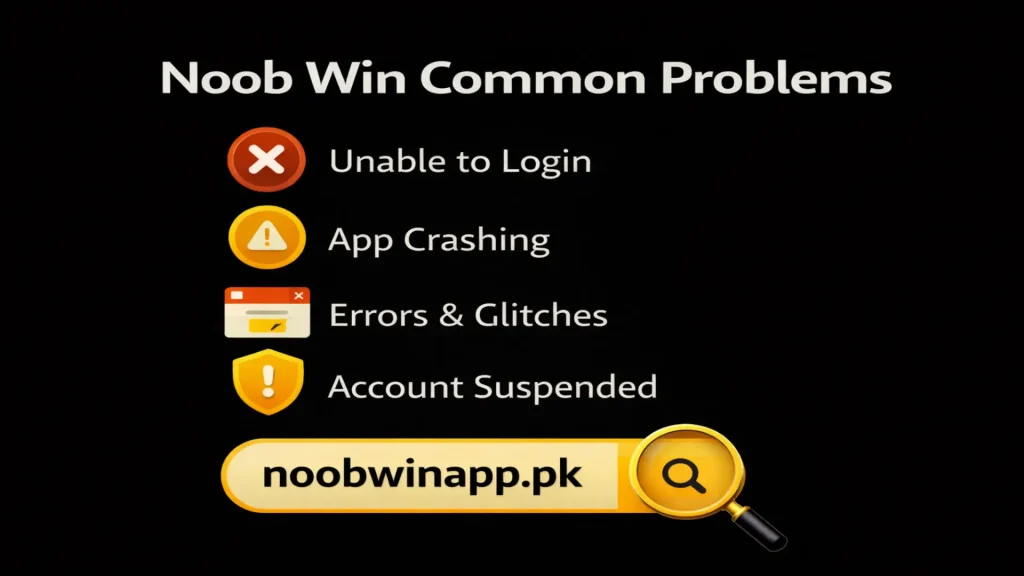
Most Noob Win Common Problems and Their Solutions
Here are the common problems Noob Win players run into most often and exactly how to fix each one:
1. App Not Opening or Crashing
This is one of the problems that people talk about the most. When you tap the app, it freezes or closes right away.
Why it happens: The app might need to be updated. Your phone’s memory may be full. You need to keep some free space on your phone to run the app.
Solution: Close the app completely and then open it again. If that doesn’t work, try restarting your phone. Visit the official website to see if there is a new version of the app and then update it.
2. Login Not Working
The Noob Win app either gives you an error message or doesn’t do anything when you enter your information.
Why it happens: There is a problem with NoobWin’s server sometimes; the password is wrong, or the phone number is wrong. This problem can happen to users when there is a lot of traffic.
Solution: You should check that your mobile number and password are correct. Make sure that Caps Lock is not on. Click “forgot password” if you can’t remember your password. After that you can reset your new password.
3. Deposit Not Showing in Balance
Users get very upset when they put money into the app, but their balance doesn’t change. This is because real money is involved.
Why it happens: A slow internet connection during the transaction or a short delay in processing on the platform.
Solution: Give it a few minutes and then refresh your app. If you still have problems after that, take a screenshot and get in touch with the support team.
4. Withdrawal Stuck on Pending
Sometimes users request a withdrawal, but after a long wait, the funds are not credited to their account. This is due to a violation of the withdrawal policy’s privacy policy.
Why it happens: Users are trying to cash out the bonus money without completing the conditions. You need to check the withdrawal limits before requesting a withdrawal.
Solution: Always withdraw money during the day. Leave some money behind so that you can use this money to play games.
5. Account Got Blocked or Suspended
When you try to log in, you get a message saying that your account is blocked or suspended.
Why it happens: Many failed login attempts, strange activity, or an incomplete verification on your account.
Solution: Do not try failed login attempts many times. In this situation, contact the support team and explain your problem to them. If it’s a verification problem, they’ll help you finish it. Most account blocks are fixed quickly.
Final Thoughts
This guide has explained the NoobWin common problems. What matters is knowing what to do when they happen. Most problems on this platform are small and can be fixed in a few minutes. Noob Win support is quick to respond and helpful for anything that doesn’t fix itself. Whenever something seems off, use this guide as a reference. Get the most recent version of NoobWin from the official website and keep your app up to date for the best experience.